
Ordinary event
Use a believable event rather than a completed solution.
One event. Ideal timing. Open outcome.
Bring an ordinary event into the scene at the ideal moment. Prepare a brief opening and practical uses while players decide the outcome.

An ordinary event at an ideal moment
Make the scene more exciting while keeping important choices with the players.
Use a believable event rather than a completed solution.
Explain why its timing matters to the current scene.
Prepare practical uses and a clear duration.
Let the players decide the next move.

Connect the current scene and critical moment
The illustration represents fantasy party preparation, not an application screenshot.
Set the scene, critical moment, stakes, tone and opening size.
Keep the plan or ability meaningful; add duration and private context.
From critical moment to usable opportunity
Prepare a useful coincidence with clear stakes.
Describe the moment and what is at stake.
Choose from eight ordinary event kinds.
Set how the opening feels and how large it is.
Review the read-aloud, practical uses and duration.
The timely-opportunity workspace
Connect the event and opportunity to the scene you provide.
Place a believable event at the ideal moment.
Explore weather, animals, schedules, crowds, objects, nature or celebrations.
Fit the opening to the current critical moment.
Put the timely event in front of the table.
Prepare practical uses and how long the opening lasts.
Keep any mechanical suggestion clearly labelled.
Reopen, rename, duplicate, search, tag or annotate saved moments.
Keep earlier variations and reviewed audience exports.
Quick opportunities and deeper context
Fit the opening to the moment without solving the problem.
Set scene, critical moment, event, stakes and tone.
Use weather, animals, schedules, crowds, objects or nature.
Name the ability or plan that should stay useful.
Add duration, things to avoid and private notes.
Refine a moment worth keeping
Keep useful variations in your signed-in account.
Review, edit, lock and reroll.
Rename, duplicate, search, tag or annotate moments.
Keep a twelve-version history.
Copy the audience view, download the record or print.
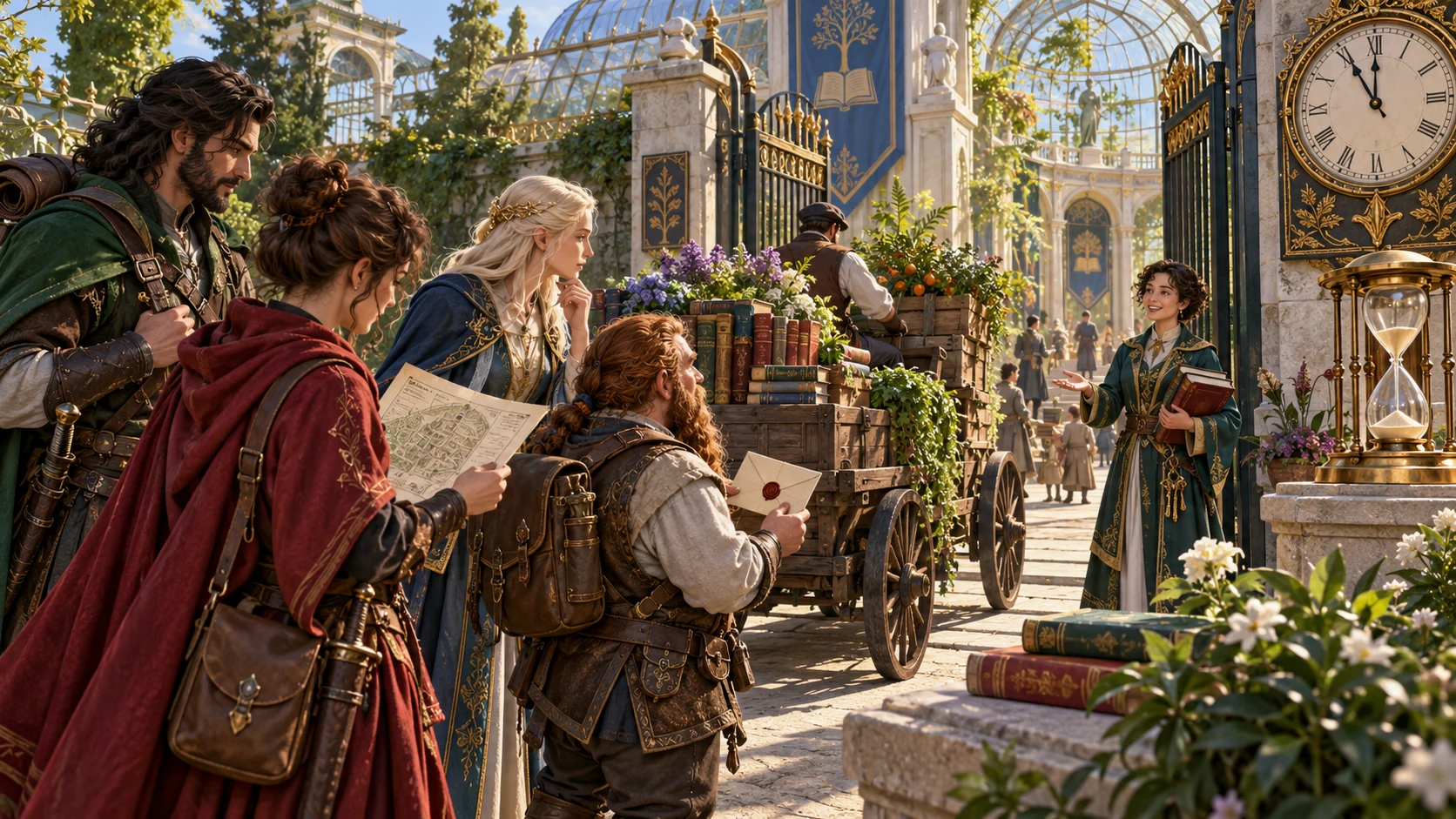
A brief opportunity with an open outcome
Review the event, perfect timing and ready read-aloud line.
Consider practical ways to use the opening and how long it lasts.
Review audience material and any clearly labelled rule suggestion.
The opening leaves outcomes open
Offer an opportunity without handing out success.
The event does not rescue the party or solve the problem.
It does not reverse failure or add a benefit to failure.
It does not bring someone in or interrupt the scene.
It sends nothing to Combat Pro.
Generator access and pricing
Choose access for this selected generator or an eligible pack.
Review current standalone access and pricing.
Check whether a current pack includes this generator.
Use your account to review premium product access.
Create a free VISINVOKE account; premium access remains separate.
VISINVOKE means value
Add a useful opening while leaving outcomes with the players.

Connect an ordinary event to the current scene.
Prepare practical uses and how long the opportunity lasts.
Reopen moments and keep a twelve-version history.
Leave the next move and outcome to the players.
Explore your VISINVOKE workspace
Each card opens its own product website. Review purpose and access separately; related products do not promise included access or automatic synchronisation.

Open your VISINVOKE desktop products.

Prepare a live exchange after an established social mistake.

Build the wider setting around your campaign.

Develop the places your party travels through.

Explore separate adventure environments.

Explore separate fantasy image creation.
Product artwork is illustrative, not application screens or actual generated image output.
Quick answers
Understand timely events, brief openings, saved moments and desktop access.
Create one ordinary event that arrives at the ideal moment in the current scene. Prepare the event, why the timing is perfect, a ready read-aloud line, a brief opening, practical ways to seize it, how long it lasts, what it does not decide, a player-facing view and private Dungeon Master notes.
Choose weather, an animal, bells or schedules, a crowd, an object, nature, officialdom or a celebration. Describe the scene, critical moment and stakes, then set the tone and size of the opening.
Name the exact plan or strength that should stay meaningful, the length of the opportunity, things to avoid and private context. Decide whether an optional clearly labelled mechanical suggestion would help. The event offers an opening; it does not decide the outcome.
Review, edit, lock and reroll the moment. Save moments to your signed-in VISINVOKE account, then reopen, rename, duplicate, search, tag, annotate or delete them. A twelve-version history keeps earlier variations available.
Copy the table-ready moment with the read-aloud line first, use a full Dungeon Master or player-facing view, download the structured record or print it. Select and review audience material before sharing. The generator does not grant automatic success, rescue the party, reverse a failure, add a benefit to failure or start an encounter. It does not bring someone into the scene or interrupt it and sends nothing to Combat Pro. Players decide what happens next.
Create a free VISINVOKE account and review current access and pricing for this selected generator or an eligible pack. Premium access is separate from the free account. Use your account installer page for Desktop Command Centre, then open Perfect Timing Generator from the Generators collection in its desktop workspace.
Continue in VISINVOKE
Create a free VISINVOKE account and review current generator access.
Use your account installer page for Desktop Command Centre.
Open Perfect Timing Generator from the Generators collection.